PS5 Scene: a practical jailbreak guide to supported firmware and setup (October 2026)
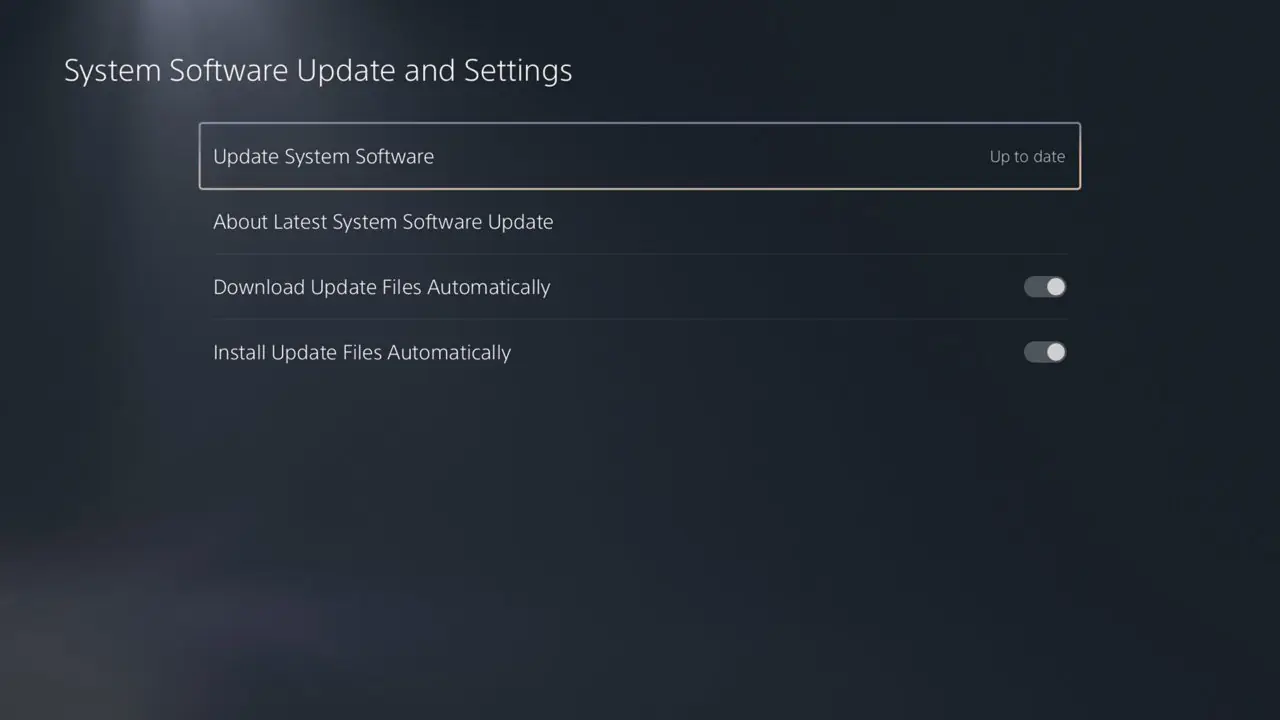
## PS5 Jailbreak Guide — Living Thread This guide is for people exploring homebrew on a PS5 they own or are authorized to modify. I’ll update it when the supported firmware list or recommended setup changes. Last checked: October 11, 2026 ## Before you start - Check the full system software version at Settings → System → System Software → Console Information. Match the complete version number below; “7.00–13.60” does not mean every build in that interval is supported. - If keeping jailbreak compatibility matters to you, do not update the console until you have checked the current exploit and payload compatibility. A newer system update can close the entry point. - These are unofficial, experimental tools. A failed run can freeze or crash the console. Back up important data first. The exploit must be run again after a full reboot; it does not replace Sony’s system software. - Use this only for lawful homebrew on a console you own or are authorized to test. Do not use it for piracy or unauthorized access. Online use can risk account or console restrictions. ## Firmware compatibility Relapse is publicly listed for PS5 firmware 7.00 through 13.60, but only the exact builds below are in its current support list: - 7.xx: 7.00, 7.01, 7.20, 7.40, 7.60, 7.61 - 8.xx: 8.00, 8.20, 8.40, 8.60 - 9.xx: 9.00, 9.20, 9.40, 9.60 - 10.xx: 10.00, 10.01, 10.20, 10.40 - 11.xx: 11.00, 11.20, 11.60 - 12.xx: 12.00, 12.02, 12.20, 12.40, 12.60, 12.70 - 13.xx: 13.00, 13.20, 13.40, 13.42, 13.60 Not on that Relapse list: 9.05, 10.60 and 11.40. The current WebKit Autoloader release routes 9.05 and 11.40 to Poops instead of Relapse. Version 0.6.1, released October 8, adds missing offsets to fix Poops support on 9.05, 11.40 and 11.60; its notes explicitly say Relapse remains unsupported on 9.05 and 11.40. Firmware 11.60 is also on Relapse’s supported-build list, so check which options the current installer offers for your exact firmware rather than assuming one route is preferable. For 10.60, check the current release’s firmware detector and instructions before proceeding; do not try the Relapse route unless the project explicitly lists your build. Firmware below 7.00 uses a different route in the Autoloader project (umtx2 is listed for 1.00–5.50). Firmware 6.xx and firmware above 13.60 are outside the support described here. The maintainers’ live compatibility list is the source of truth: [Relapse supported builds](https://github.com/soniciso1/relapse). The original exploit project is [ntfargo/Relapse-Exploit](https://github.com/ntfargo/Relapse-Exploit). ## Setup guide for a supported build The steps below use the open-source WebKit Autoloader, which provides a repeatable setup and lets its firmware detection choose a documented route. Follow the project’s release notes if they differ from this summary. 1. Confirm your exact firmware using the menu path above. Check it against the exact Relapse build list and the Autoloader’s current release notes. Stop if your build is not listed or the detection result does not match it. 2. Download the current stable release, currently v0.6.1, from the [WebKit Autoloader releases page](https://github.com/itsPLK/ps5-webkit-autoloader/releases). Use the host program for your computer’s operating system. Avoid unofficial mirrors and repackaged payload bundles. 3. Run the host on a computer on the same local network as the PS5. Follow the release README. For the initial install, the README says to point the PS5’s DNS to that computer’s local IP address, then open the User’s Guide from Settings to run the installer. 4. When installation finishes, find WebKit Autoloader on the PS5 home screen and launch it. For Relapse on 12.02–13.60, the console needs an active Wi-Fi or Ethernet connection to the local network; internet access is not required. Keep the connection active while the exploit runs. 5. If the exploit succeeds, the loader opens Payload Manager unless a custom `autoload.txt` configuration is installed. Start only payloads that explicitly support your firmware, and use their maintainers’ instructions. 6. After a full reboot, launch the Autoloader again to re-run the temporary exploit. If the browser stalls or the console reports a kernel panic, follow the project’s recovery notes; do not keep forcing power cycles. The [Autoloader README](https://github.com/itsPLK/ps5-webkit-autoloader) has the current setup instructions, network requirements and payload configuration details. See the [v0.6.1 release notes](https://github.com/itsPLK/ps5-webkit-autoloader/releases/tag/v0.6.1) for the Poops offsets and the Relapse limitations on 9.05 and 11.40. ## Known risks and limits Relapse may need more than one attempt; its maintainers warn that it can hang or panic the console. Unofficial payloads can add their own compatibility and stability risks. The exploit is temporary, support changes as projects are updated, and there is no guarantee of PSN access. Stop if your exact firmware or the files you downloaded do not match the maintainers’ documentation. ## Update log - October 11, 2026: Checked the v0.6.1 Autoloader release and clarified its Poops fixes for 9.05, 11.40 and 11.60, plus the continuing Relapse exclusions for 9.05 and 11.40. - October 3, 2026: Added the exact Relapse firmware list through 13.60, current route notes for 9.05 and 11.40, and the WebKit Autoloader setup path. Image: PlayStation system software settings screen, from [PlayStation Support](https://www.playstation.com/en-us/support/hardware/ps5/system-software/). Primary references: [Relapse build list](https://github.com/soniciso1/relapse) · [Relapse exploit project](https://github.com/ntfargo/Relapse-Exploit) · [WebKit Autoloader v0.6.1 release](https://github.com/itsPLK/ps5-webkit-autoloader/releases/tag/v0.6.1) · [Autoloader setup instructions](https://github.com/itsPLK/ps5-webkit-autoloader) · [PlayStation 5 system software support](https://www.playstation.com/en-us/support/hardware/ps5/system-software-info/) ~PS5Scene