

Anatase Linux on handheld PCs: setup guide and Bazzite/CachyOS comparison
Checked October 8, 2026. Anatase is an immutable Linux image for handhelds and PCs, with KDE Plasma, an optional controller-first Game Mode and Handheld Daemon (HHD) integration. It is still a fast-moving project, so check the exact device and release channel before replacing an operating system. 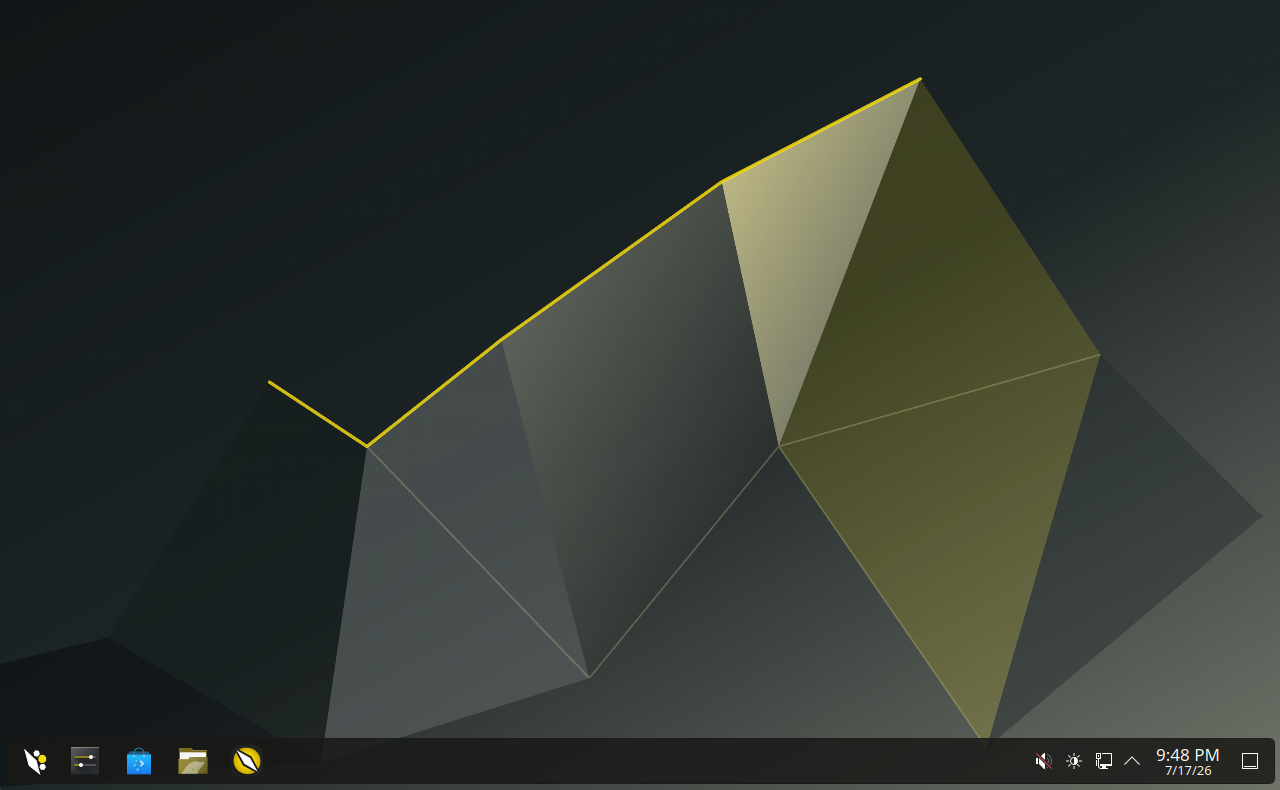 ## What makes Anatase different? The project combines one image for handhelds and regular PCs with device controls for mappings, gyro, back buttons, fan curves and TDP. Which controls work depends on the hardware. Its “Spaces” feature can run separate Arch, Fedora, Ubuntu or Kali environments and integrate their apps into the desktop. The project has not presented Spaces as a formally security-reviewed sandbox, so do not use it to isolate untrusted software. 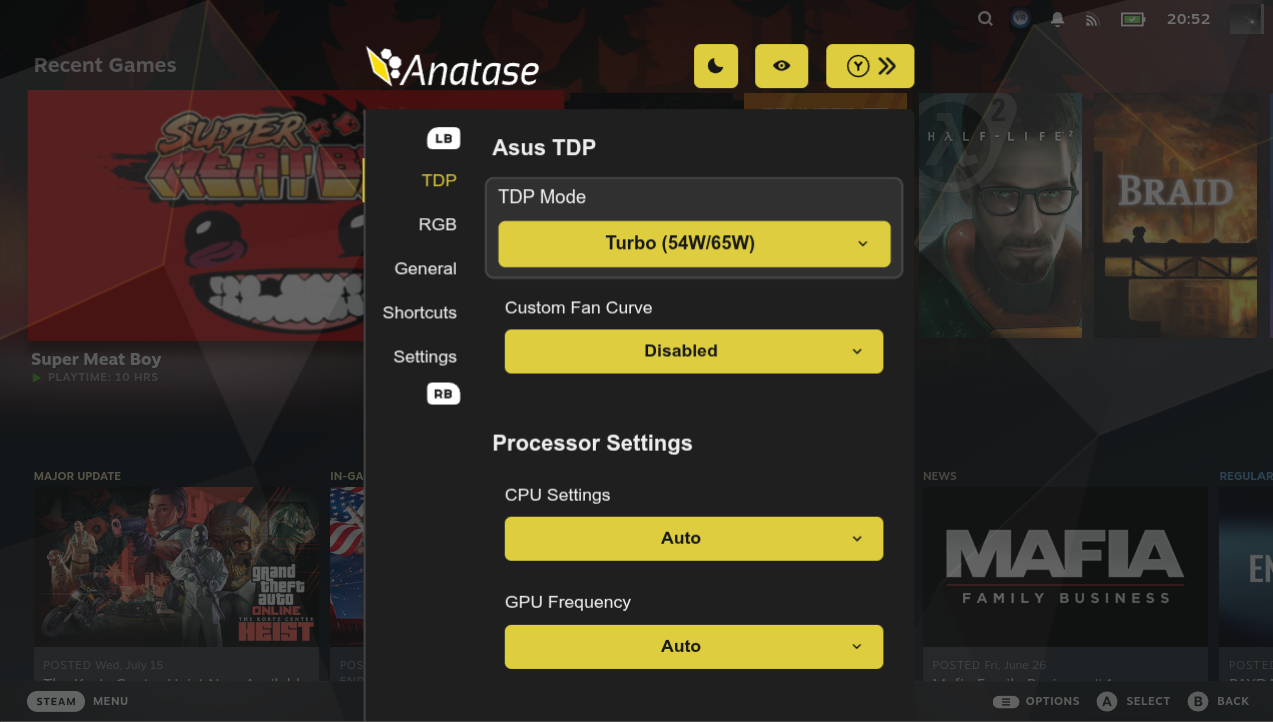 Anatase also offers universal 2× frame generation in Game Mode. Treat that as a feature to test, not a guarantee of twice the native rendering speed: latency, image quality, compatibility and anti-cheat support can vary by game. ## What changed recently? The project’s release page lists stable build 20260928.9, with ARM ISO and SD-card images, Steam Game Mode support on ARM, Steam Deck OLED speaker firmware, an OneXPlayer 3 VRR fix and other device fixes. A newer 20261005.1 rolling build is marked pre-release. If you want fewer surprises, choose the stable channel; use rolling only if you are comfortable testing newer components and troubleshooting regressions. Check the [release page](https://github.com/anatase-org/anatase/releases) immediately before downloading because these tags move quickly. ## Before you install 1. **Confirm support for your exact model.** Read the [Anatase device notes](https://docs.anatase.org/) and the [HHD supported-device list](https://github.com/hhd-dev/hhd). Similar model names can hide differences in sleep, audio, buttons and power controls. 2. **Back up first.** Installation and partition changes can erase the internal drive. Save your Windows BitLocker recovery key if you plan to dual-boot. 3. **Use the current ISO instructions.** Download from [Anatase](https://anatase.org/), verify the checksum or signature when supplied, and follow that release’s installer steps. Do not assume another distribution’s dual-boot instructions apply. 4. **Plan for encryption and Secure Boot.** Anatase says encryption must be enabled during installation. Secure Boot can require manual key enrollment, and a drained battery or power failure may require enrolling the key again. 5. **Check graphics support.** The project currently lists GTX 1000-series and older NVIDIA GPUs as unsupported; confirm the current hardware notes before installing on a PC. After setup, test Wi-Fi, audio, sleep and wake, controls, gyro, fan and TDP controls, external displays and the games you actually play. Keep the installer USB until the system has passed several reboots and sleep cycles. Record the exact device, BIOS version and Anatase channel when troubleshooting; those details matter more than a general claim that “Linux works” on a model family. ## How it compares - **Anatase:** HHD controls, an immutable base and Spaces; newer and changing quickly. - **Bazzite:** Fedora Atomic gaming images, device-specific guidance and documented rollbacks. - **SteamOS:** Valve’s most integrated Steam Deck experience; support on other hardware remains limited and model-specific. - **CachyOS Handheld:** an Arch-based rolling system with handheld tools and snapshots; expect more frequent changes and hands-on maintenance. No distribution guarantees the best frame rate or battery life on every device. Results depend on the handheld, game, power limit, driver and settings. For a fair comparison, test the same game, resolution, graphics preset and power limit, and check multiplayer anti-cheat compatibility before switching. ## Creator walkthrough [Hooandee’s Anatase installation walkthrough on YouTube](https://youtu.be/96ACORxd6PQ) follows a handheld-PC install and first setup. It is in Spanish, so treat it as a visual walkthrough if you do not speak Spanish; the video is a creator’s example, not a compatibility guarantee for every device or release. ## Official references - [Anatase downloads and overview](https://anatase.org/) - [Anatase releases and changelog](https://github.com/anatase-org/anatase/releases) - [Anatase documentation](https://docs.anatase.org/) - [HHD supported devices](https://github.com/hhd-dev/hhd) - [Bazzite handheld documentation](https://docs.bazzite.gg/Handheld_and_HTPC_edition/Handheld_Wiki/) - [Valve SteamOS compatibility](https://store.steampowered.com/steamos/) - [CachyOS Handheld Edition](https://wiki.cachyos.org/installation/installation_handheld/) This is a practical overview, not a promise that every feature works on every handheld. If you have tried Anatase, include the exact device, release channel and what worked or failed.