

Bazzite on a handheld PC: installation, Steam Gaming Mode and rollback guide
Checked October 12, 2026. Bazzite is a gaming-focused Fedora Atomic system with a SteamOS-style Gaming Mode and a KDE or GNOME desktop. Its Deck image is designed for handhelds, but “boots successfully” does not mean every control or device feature is supported. Check the page for your exact model before installing. 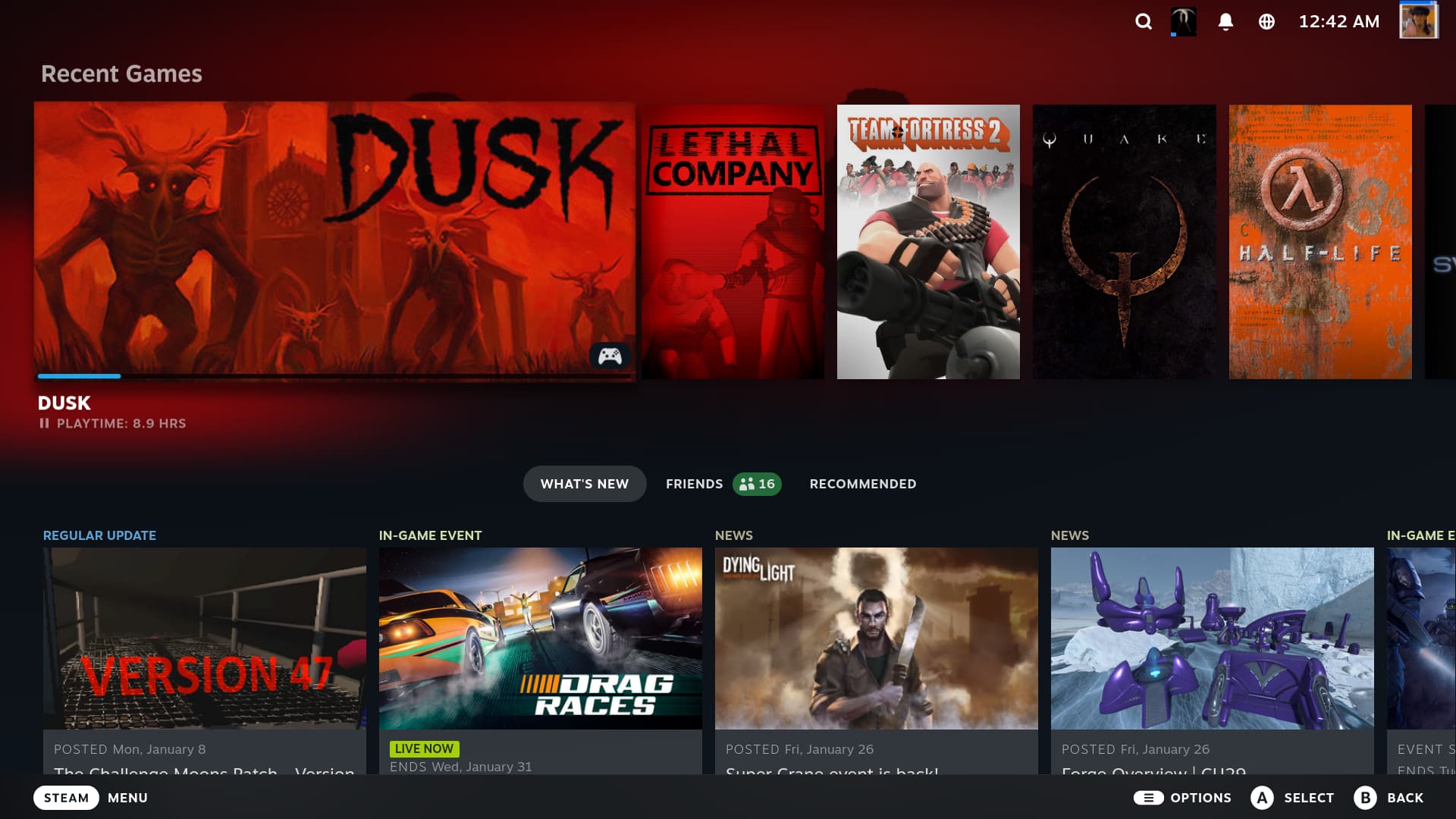 ## What Bazzite adds on a handheld Bazzite Deck 44 uses OpenGamepadUI and InputPlumber for handheld controls, alongside Steam Gaming Mode. TDP, GPU-clock and fan controls depend on the device and the control tool available for it. The official [handheld wiki](https://docs.bazzite.gg/Handheld_and_HTPC_edition/Handheld_Wiki/) lists device-specific working features, quirks and workarounds; its supported-device list is not exhaustive, and unlisted hardware may need manual setup or lack drivers such as audio. Bazzite is not SteamOS under a different name. It is an image-based Fedora system with its own update, support and rollback workflow. Decky plugins can break or be removed after updates, so treat them as optional and check the current notes when troubleshooting. ## What changed in Bazzite’s October stable update Bazzite’s October 6 stable image is tagged 44.20261006.1 and uses the Open Gaming Collective 7.2.8 kernel. The maintainers also report updated InputPlumber with gyro and rumble improvements, fixes for Bluetooth initialization on some hardware, and a fix for suspend issues on the ASUS ROG Ally. Those are targeted changes, not a guarantee that every handheld feature works on every model. See the [maintainers’ October update notes](https://universal-blue.discourse.group/t/bazzite-keeps-moving-312-commits-later-and-nearly-100k-weekly-active-devices/12562) and the [stable release record](https://github.com/ublue-os/bazzite/releases/tag/44.20261006.1). If you already use the stable channel, update with Bazzite Updater, reboot, then retest suspend/resume, Bluetooth and your controls before relying on the device. The project’s October 11 build is marked Testing in the [release list](https://github.com/ublue-os/bazzite/releases), so don’t switch channels just to get a newer version number unless you intend to evaluate prerelease software. ## Install without risking your data 1. **Pick the right image.** Use the [official image selector and install guide](https://docs.bazzite.gg/General/Installation_Guide/install-guide/). The `-deck` image targets Steam Gaming Mode; desktop images have different defaults. 2. **Back up the drive.** Installation can erase partitions. For Windows dual-boot, save the BitLocker recovery key, disable Fast Startup and follow Bazzite’s current dual-boot instructions before repartitioning. 3. **Check the model page.** Review buttons, audio, Wi-Fi, gyro, TDP, sleep and wake behavior, BIOS updates and known issues for your exact handheld. 4. **Test before customizing.** After installation, update and reboot, then test the controls, audio, Wi-Fi, suspend and resume, external display and the games you rely on. Linux anti-cheat support varies by game; verify multiplayer titles in advance. ## If an update causes trouble Bazzite keeps a previous system deployment available by default. You can roll back through Bazzite Updater; if the desktop will not start, the official instructions describe using the boot menu or running `rpm-ostree rollback` from a terminal, then rebooting. Rollback does not affect personal files, but it is not a substitute for a separate backup. Read the [rollback guide](https://docs.bazzite.gg/Installing_and_Managing_Software/Updates_Rollbacks_and_Rebasing/rolling_back_system_updates/) before you need it. ## Which system fits? - **Bazzite:** Steam Gaming Mode plus a flexible desktop, device guides and system-image rollback. - **Anatase:** HHD integration and Spaces on an immutable image; newer, with release-channel and hardware caveats. - **SteamOS:** the integrated Valve experience, especially on Steam Deck and officially supported devices. - **CachyOS Handheld:** an Arch rolling release with handheld-focused tools for users comfortable managing frequent changes. No one option wins every benchmark. Match the operating system to your exact model, game library and tolerance for maintenance. If you compare performance, keep the game, resolution, settings and power limit consistent; one creator’s result on one firmware and image should not be generalized to every handheld. ## Creator walkthrough [Digital Foundry’s Bazzite hands-on video](https://youtu.be/OwWRCrGoXV0) shows the system running on a Windows gaming handheld and discusses the SteamOS-like interface. It is useful for seeing the experience, but it covers a specific device and an older build; use the current Bazzite device wiki for today’s compatibility and installation advice. ## Official links - [Bazzite downloads and image selector](https://bazzite.gg/) - [Installation guide](https://docs.bazzite.gg/General/Installation_Guide/install-guide/) - [Handheld wiki](https://docs.bazzite.gg/Handheld_and_HTPC_edition/Handheld_Wiki/) - [Updates and rollbacks](https://docs.bazzite.gg/Installing_and_Managing_Software/Updates_Rollbacks_and_Rebasing/rolling_back_system_updates/) - [SteamOS](https://store.steampowered.com/steamos/) - [Anatase](https://anatase.org/) - [CachyOS Handheld Edition](https://wiki.cachyos.org/installation/installation_handheld/) Tell us the handheld model, Bazzite image and release, and what worked or failed; those details make troubleshooting much more useful.